> ## Documentation Index
> Fetch the complete documentation index at: https://docs.neus.network/llms.txt
> Use this file to discover all available pages before exploring further.
# Don't restart from zero.
> The portable trust harness for AI. Identity, permissions, private context, and proof — wherever your agent runs.
Portable Trust Infrastructure for Humans and AI.
Proofable is the portable trust harness for AI. Identity. Permissions. Private context. Proof. Private cloud. The primitives agents need so trust does not restart from zero.
Portable Proof carries verified identity, authority, and action evidence across apps, agents, and networks.
The receiving product owns the decision and enforces the result.
Cursor, Claude, ChatGPT, Hermes, OpenClaw. Install Proofable. Click Connect.
Who the agent is, what it may do, what it already proved. Private by default.
Same agent on a laptop, a server, or a confidential VM.
## Connect
Install Proofable in your editor or chat. Click **Connect**.
`https://mcp.neus.network/mcp`
```json theme={"dark"}
{
"mcpServers": {
"neus": {
"url": "https://mcp.neus.network/mcp"
}
}
}
```
Then ask:
> Reuse what I already have. Before a sensitive action, check my current proofs.
Proofable answers **Passed**, **Action needed**, or **Blocked**.
One-click: [proofable.me/install](https://proofable.me/install). Full steps: [Connect Proofable](./mcp/setup).
 One connection for chat, IDEs, listings, and proofs.
Create or import an agent. Open Connections. Chat, start a Pro job, or publish a listing.
Open a hosted flow for supported identity, ownership, risk, or permission checks.
Publish the checks and price once. Add one component to your app.
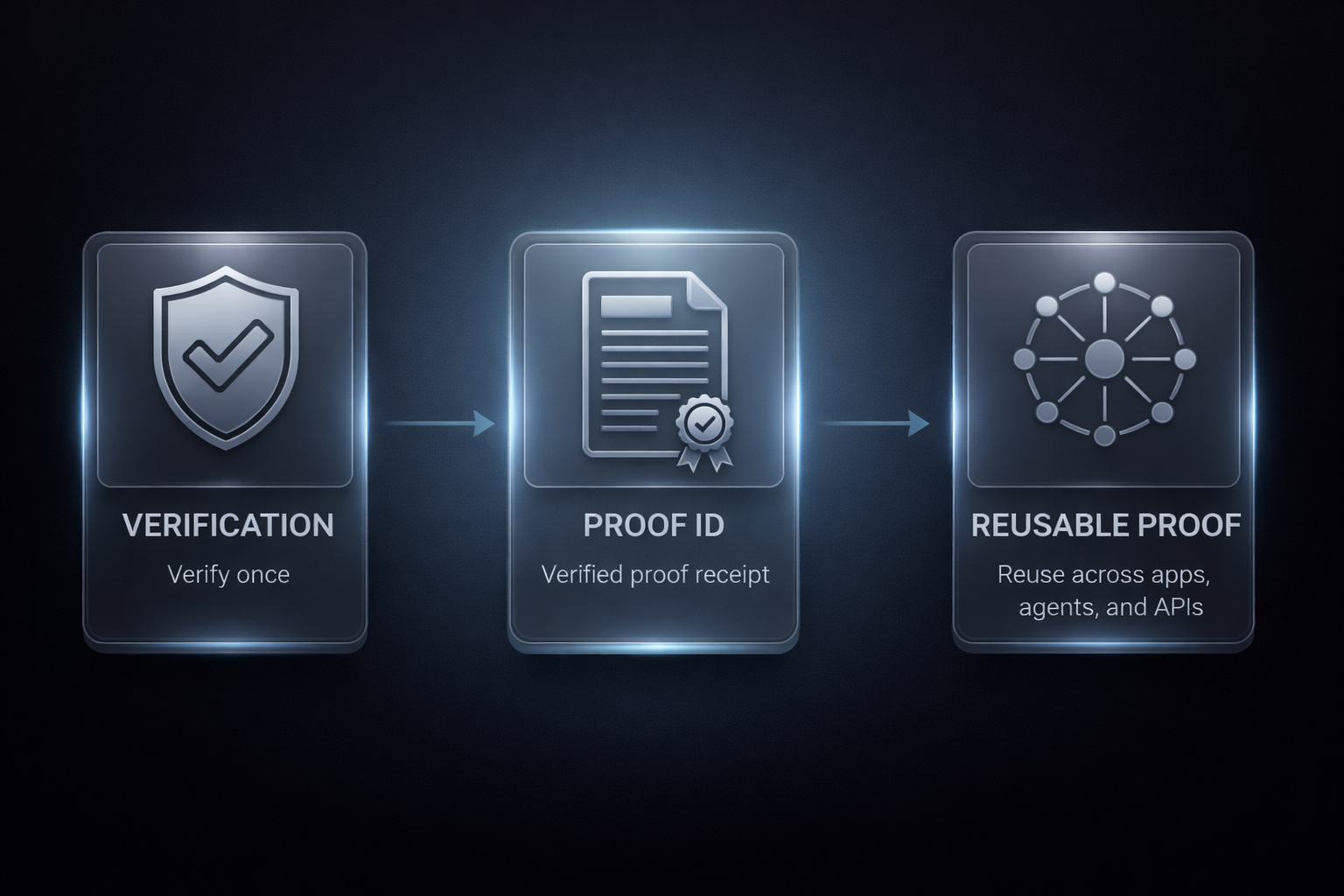
## Verify once. Prove everywhere.
1. **Verify once.** Use the hosted screen, MCP, or SDK.
2. **Prove everywhere.** Proofable saves the result with its current status and expiration when one applies.
3. **Enforce before action.** Connected apps require that proof before access, payment, or execution.
Read the flow in [How verification works](./verification/how-it-works) and [Standards](./learn/standards).
## Where Proofable sits
Keep your sign-in, identity provider, payment, and agent framework. Add Proofable via MCP, SDK, or API. Work accounts, domains, social accounts, and passkeys all work.
Browse [Solutions](https://proofable.me/solutions).
## Release status
Published APIs and verifier schemas may change between minor versions. Breaking changes are listed in the [changelog](https://github.com/neus/network/blob/main/CHANGELOG.md).
This documentation is built and hosted on [Mintlify](https://mintlify.com), a developer documentation platform.
One connection for chat, IDEs, listings, and proofs.
Create or import an agent. Open Connections. Chat, start a Pro job, or publish a listing.
Open a hosted flow for supported identity, ownership, risk, or permission checks.
Publish the checks and price once. Add one component to your app.
## Verify once. Prove everywhere.
1. **Verify once.** Use the hosted screen, MCP, or SDK.
2. **Prove everywhere.** Proofable saves the result with its current status and expiration when one applies.
3. **Enforce before action.** Connected apps require that proof before access, payment, or execution.
Read the flow in [How verification works](./verification/how-it-works) and [Standards](./learn/standards).
## Where Proofable sits
Keep your sign-in, identity provider, payment, and agent framework. Add Proofable via MCP, SDK, or API. Work accounts, domains, social accounts, and passkeys all work.
Browse [Solutions](https://proofable.me/solutions).
## Release status
Published APIs and verifier schemas may change between minor versions. Breaking changes are listed in the [changelog](https://github.com/neus/network/blob/main/CHANGELOG.md).
This documentation is built and hosted on [Mintlify](https://mintlify.com), a developer documentation platform.